Most carry-on stress at airport security comes from the same problem: the things you'll be
asked to pull out are buried in the wrong layer of the bag. This
carry-on packing guide walks through the four airport moments that drive
most repacking, and how to pack so each one goes faster.
No one pays to be recommended here, and we say when a free or cheaper option wins. Our promise →
Liquids near the top. Your clear bag of liquids should come out without unpacking anything else. Use an outside pocket or the top compartment.
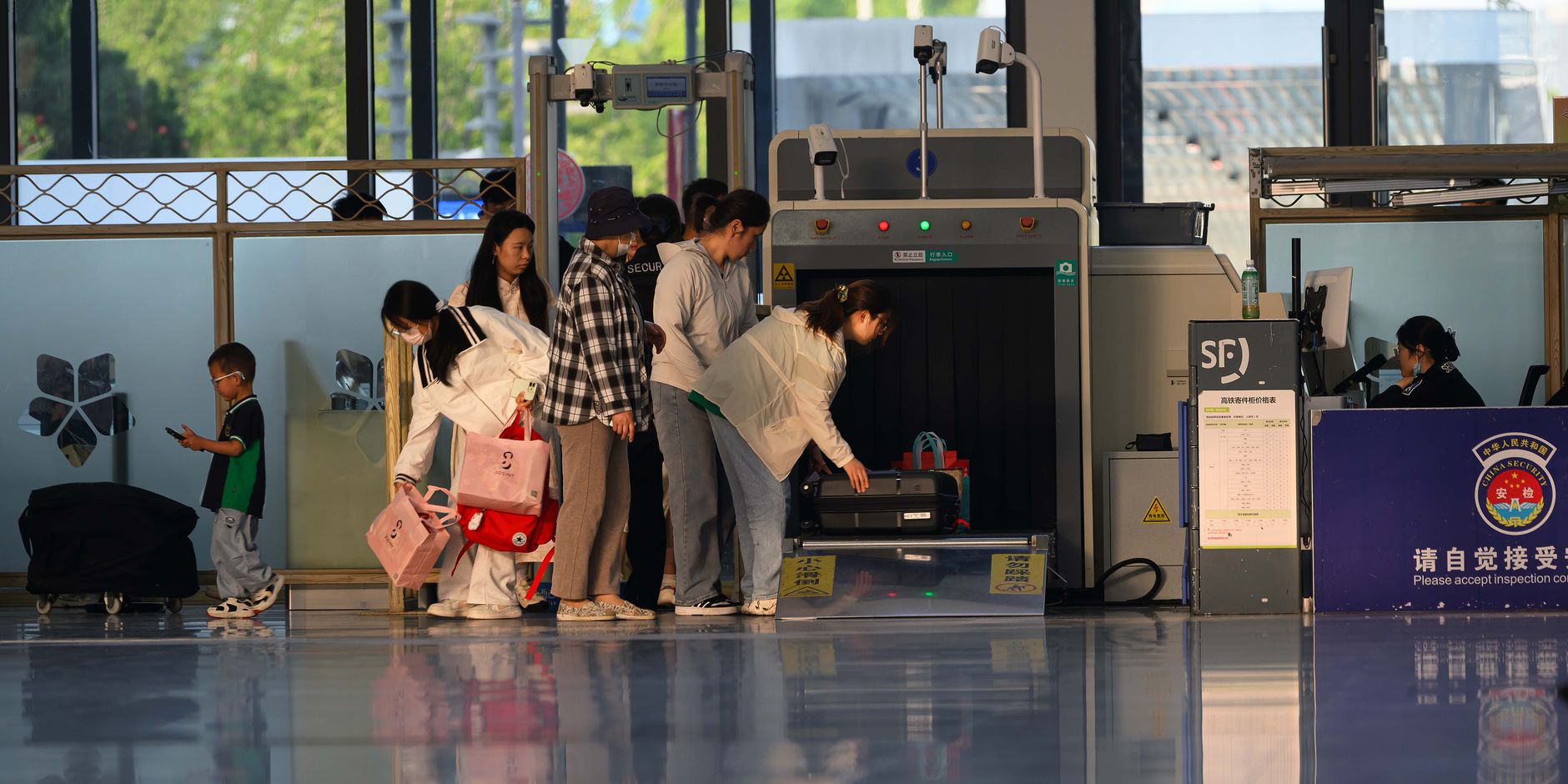
Laptop easy to remove. Many airports require laptops out of the bag for X-ray. Use a sleeve at the back of the bag or a top compartment you can unzip without digging.
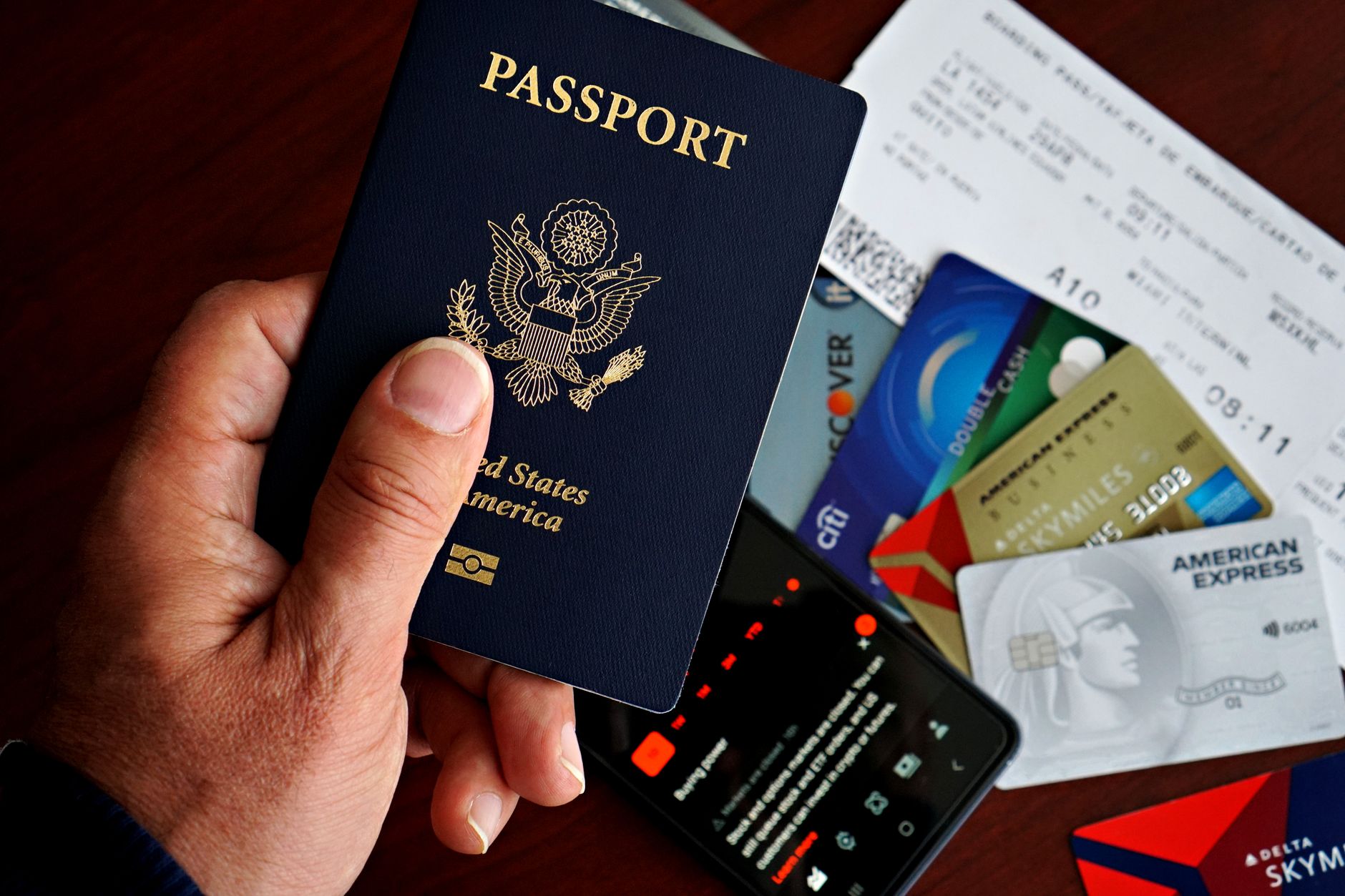
Passport in the same pocket. Boarding pass, passport, and any key travel cards in one zipped pocket — easy to reach, hard to lose.
Charger in your personal item. Keep your phone charger and a short cable in the bag that stays under the seat, so you can top up during a layover without opening the overhead bin.
The 4 airport moments that drive packing decisions
Liquids buried under clothes. Officer pulls the bag, everything comes out.
Tangled cables filling the top. A cable pouch keeps them quiet and out of the way.
Passport in a back pocket. Easy to lose, easy to pickpocket. Use a zipped pocket on your personal item.
Charger in the overhead bin. If your phone dies during boarding, you'll regret not having it under the seat.
Wearing a belt with a metal buckle through screening. Slips you down a lane while you re-thread it. Soft belts or removing it before the X-ray belt is faster.
Useful prep items
A few simple items worth considering for smoother carry-on packing.
NOMATIC carry-on (22" / 35L)
The most thought-through carry-on we have used. Hard-shell with internal
packing cubes that close from outside, a clamshell laptop compartment for
quick removal at security, and a tracking-friendly internal pocket for an
AirTag. Sized to most international carry-on limits.
Compression cubes reduce volume by roughly 30%. A 3-piece set with one
each of small / medium / large lets you separate clothes by layer
(warm/cool, top/bottom) and pull just what you need without unpacking
the rest.
Keeps the entire bathroom setup self-contained — TSA-compliant liquids,
solids, dental, medication. The hook unfolds in any hotel bathroom; the
zips keep everything visible if security asks to inspect.
One pouch for all the cables, adapters, SIM tools, and the spare power
bank. Elastic loops keep cables from tangling; mesh pockets keep
adapters separated. Travels in the laptop layer for quick security
removal.
A dedicated sleeve protects the laptop without adding bulk. The faster
you can pull the laptop out at security, the faster the queue moves —
ideally one motion, not two.
Drop one inside the carry-on (or checked bag for connecting flights).
When an airline tells you "your bag is on its way" and you can see it is
still at the previous airport, you have grounds to escalate immediately.
Lives in your jacket pocket through security and immigration. Keeps the
passport, boarding pass, and a spare card together. RFID-blocking
protects against chip skimming (low actual risk, low cost to mitigate).
How should I pack my carry-on for airport security?
Pack in the order you will need things: liquids near the top, laptop in a layer you can pull out, passport and boarding pass in one easy-to-reach pocket, and chargers in your personal item.
Where should I keep my laptop in my carry-on?
Use a sleeve at the back of the bag or a top compartment you can unzip without digging. Many airports require laptops out of the bag for screening.
Where should I keep my passport at the airport?
Together with your boarding pass and key cards in one zipped pocket that is easy to reach but not exposed — a passport holder or front pocket of your personal item works well.
Should chargers go in my carry-on or personal item?
Keep your phone charger and a short cable in your personal item under the seat. That way you can charge during the flight or layover without opening the overhead bin.
What is the biggest carry-on packing mistake at security?
Burying frequently-checked items deep in the bag. Liquids, laptops, and passports get pulled the most — keep them in layers that come out without unpacking everything else.
Gently Yonder tip:
Run through this checklist the day before you leave, not the morning of your flight.
Repacking at the door rarely goes well.
Bottom line
A smooth airport experience is mostly about packing in the right order. Liquids and laptop near
the top, passport and boarding pass in one pocket, charger in your personal item — and the rest
in layers you won't touch until you reach the hotel.
The Weekly Travel Prep Brief
Liked this guide? Get one like it, every week.
Short, practical travel-prep emails. eSIM tips, packing reminders, airline rule updates.
No spam, no influencer fluff. Subscribe and the printable Pre-Flight Checklist arrives as your welcome.
Free. The welcome checklist arrives instantly. Unsubscribe in one click, anytime.
Sources & further reading
Transportation Security Administration (TSA). "What Can I Bring?" — official passenger guidance database.
Transportation Security Administration (TSA). Screening Procedures — declassified portions of standard operating procedures.
European Union Aviation Safety Agency (EASA). Aviation security regulations and passenger guidance (current edition).
Airports Council International (ACI World). Airport Service Quality (ASQ) Program — annual airport passenger experience reports.
International Air Transport Association (IATA). World Air Transport Statistics — annual industry reference.
UK Department for Transport. Aviation security passenger guidance (current edition).
Lord, B. Airport Security: Practical Strategies for Effective Screening. Routledge, 2018.